
You slide the memory card in, power on your camera, and get a “card error,” “no card,” or “cannot use this card” message instead of being ready to shoot. It’s especially frustrating when the same card worked fine last week, or works fine in another device. So why won’t your memory card work in your camera?
In most cases, it’s one of a small number of causes: a locked write-protect switch, a file system your camera doesn’t recognize, corrupted data on the card, or a card that’s simply too old or too slow for what your camera needs.
Below, you’ll find each of these causes, how to check for it, and how to fix it. Worry not, most memory card issues are fixable without losing your photos.
Why Won’t My Memory Card Work In My Camera?
Cameras are strict about what they’ll accept: the physical card has to fit and make contact properly, the file system has to be one the camera supports, and the card itself has to actually be readable. When any one of those breaks down, the camera shows an error instead of guessing at what you meant.
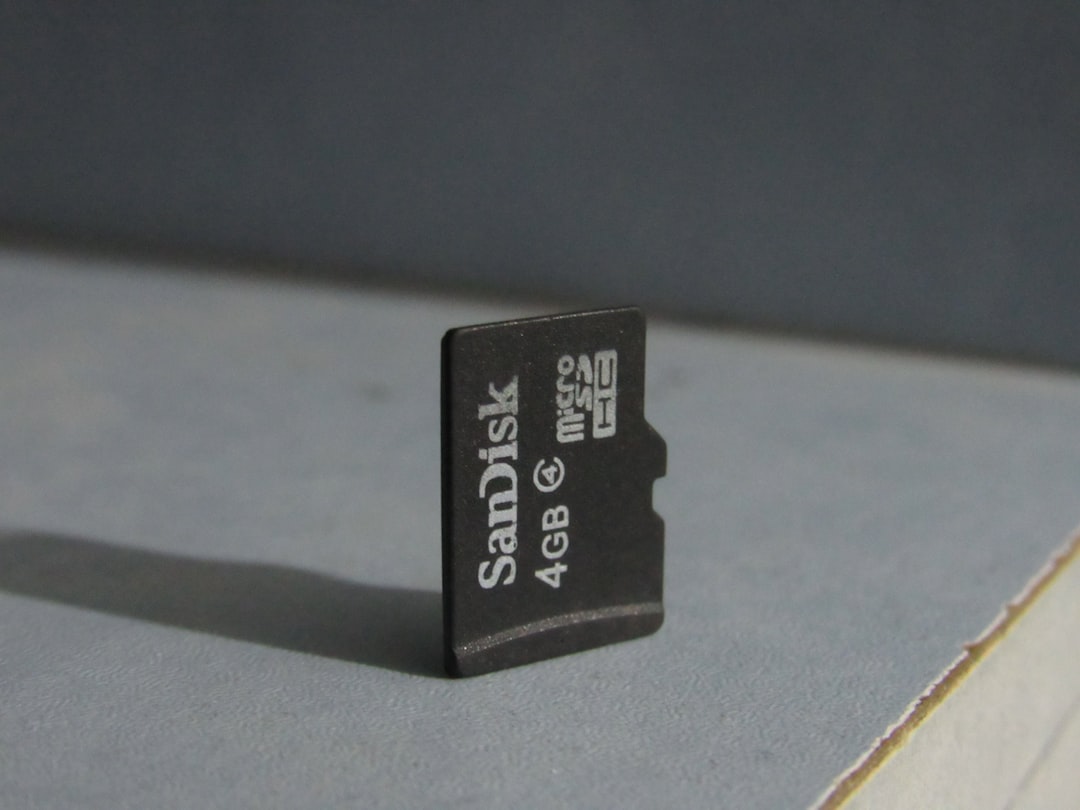
Common Causes And How To Fix Them
| Error Message / Symptom | Likely Cause | Quick Fix |
|---|---|---|
| “Card is locked” | Write-protect switch is on | Slide the physical lock switch off |
| “Card error” or “cannot use this card” | Unsupported file system | Format the card in-camera (back up first) |
| “No card” despite card being inserted | Card type camera doesn’t support | Check your manual for supported card types |
| Works, then randomly errors out | Dirty or damaged contacts | Wipe contacts with a dry, lint-free cloth |
| Fails in every device, not just this camera | Card has physically failed | Replace the card |
| Video or burst shooting stalls mid-recording | Card too slow for the mode | Use a card that meets the speed class required |
The Write-Protect Switch Is Locked. SD cards have a small physical switch on the side. If it’s slid to the “Lock” position, most cameras will refuse to write to the card at all, and some will refuse to read it too. Slide it back and try again.
The Card Isn’t Formatted For Your Camera. Cards formatted on a computer sometimes use a file system your camera doesn’t fully support, or carry a partition scheme left over from another device. Formatting the card in-camera, through your camera’s own menu, resolves most of these mismatches. Back up anything on the card first, since formatting erases it.
The Card Is Too Small Or The Wrong Type. SD, SDHC, SDXC, and now SDUC all look similar but use different addressing, and older cameras often can’t read the newer, higher-capacity standards. Check your camera’s manual for the maximum card type and capacity it actually supports.
Dirty Or Damaged Contacts. The gold contacts on the card can pick up dust or a light film of grime over time. Wipe them gently with a dry, lint-free cloth. If a contact pin looks bent inside the camera’s card slot, that’s a sign the port itself may be damaged.
The Card Has Failed. Memory cards are flash storage with a limited number of write cycles, and they do eventually wear out or develop bad sectors. If the same card fails in multiple devices, not just your camera, the card itself is likely the problem rather than anything you’re doing.
The Card Is Too Slow For Your Camera’s Video Or Burst Mode. This shows up as recording stopping unexpectedly or burst shooting stalling, rather than a card being rejected outright. Check the speed class your camera requires, especially for 4K video or high-speed burst shooting, and compare it against what’s printed on the card.
Also Read: How To Scan Disposable Camera Photos?
Here’s a visual walkthrough covering several of these fixes in order:
Frequently Asked Questions
Can I recover photos from a memory card my camera won’t read?
Often yes. A card your camera rejects can sometimes still be read by a computer with a card reader, or by dedicated file-recovery software, since the failure is frequently in the file system rather than the physical storage itself.
Should I format a new memory card before using it?
Yes. Formatting a brand-new card in your specific camera, rather than assuming it’s ready out of the box, sets up the file system and folder structure your camera expects and avoids compatibility surprises later.
Why does my camera work with one memory card but not another of the same brand?
Even cards from the same brand can differ in speed class, capacity, or file system state. A used card that was formatted on a different device is a common cause of this exact symptom.
Can a memory card be too big for my camera?
Yes. Older cameras are often limited to SD or SDHC cards and can’t recognize higher-capacity SDXC or SDUC cards, regardless of how the card is formatted.
Conclusion
So, why won’t your memory card work in your camera? Check the write-protect switch first, since it’s the fastest thing to rule out, then work through formatting, card type, contacts, and card health from there. Most of the time, it’s a quick fix rather than a sign your card or camera is actually broken.