
You’re twenty minutes into filming a wedding, a vlog, or your kid’s football match when a little thermometer icon pops up on the screen and the camera shuts itself off mid-clip. Or maybe it doesn’t even wait for a warning; it just goes black. Frustrating doesn’t quite cover it. So why is your camera overheating while recording video, and is there anything you can actually do about it?
Short answer: yes, cameras overheat mainly because video recording (especially in 4K or at high frame rates) keeps the sensor and processor working hard for long, continuous stretches, and most of that heat has nowhere to go inside a small, sealed body. Worry not, though. There’s no cause for alarm, and in most cases it’s fixable or at least manageable with a few habit changes.
In this guide, we’ll walk through why cameras overheat in the first place, the most common causes worth checking on your own gear, practical fixes you can use on location, and a few longer-term habits that keep the problem from coming back. Let’s hop in!
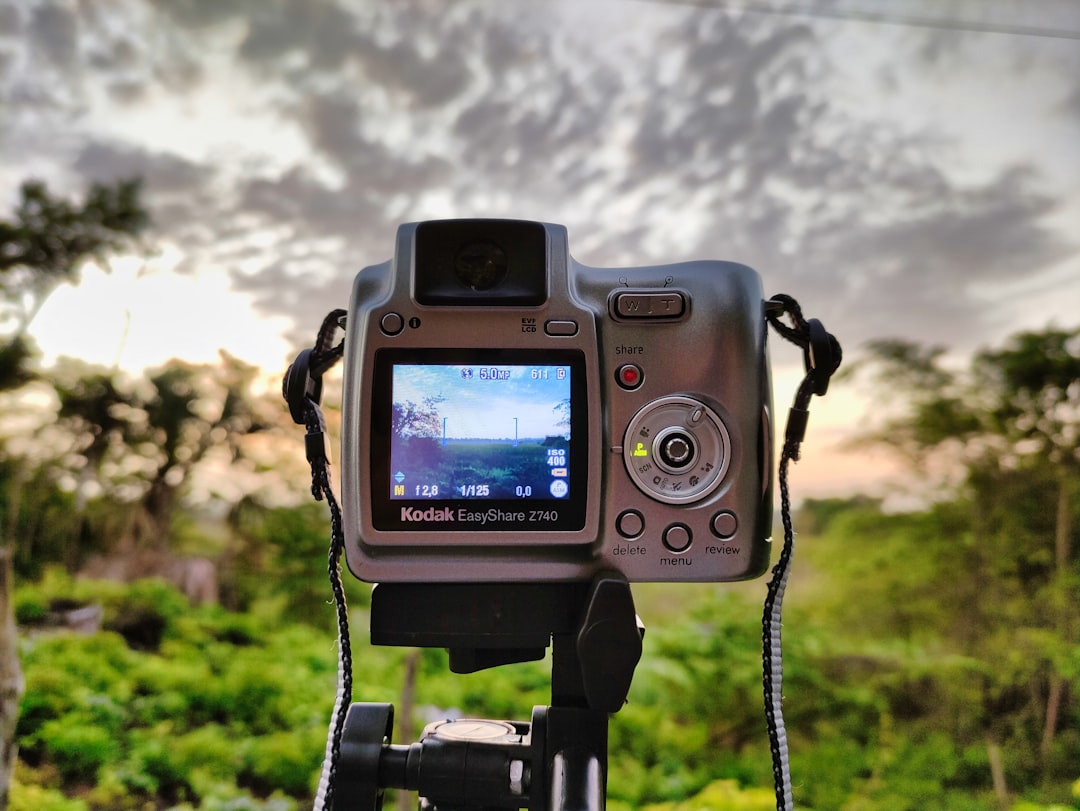
Photo by Jesus Audon hialgo on Unsplash
Why Is My Camera Overheating While Recording Video?
Every camera generates heat when it’s turned on. The sensor, the image processor, and the screen all draw power and give some of it back as warmth. Taking photos is a quick, in-and-out task for these components, so the heat barely builds up. Video is different. Recording asks the sensor and processor to work continuously, sometimes for 20, 40, or 60 minutes at a stretch, and that heat has nowhere to vent inside a weather-sealed body. Once the internal temperature crosses a safety threshold, the camera protects itself by shutting down or refusing to keep recording.
So it isn’t really a fault, most of the time. It’s physics catching up with a small box asked to do a demanding job. But some habits and settings make it much worse than it needs to be, and that’s where you have some control.
1. High-Resolution Or High-Frame-Rate Recording
Shooting in 4K, 6K, or 8K, or recording at high frame rates like 60fps or 120fps for slow motion, pushes the processor far harder than standard 1080p footage. The more data the sensor and processor have to crunch per second, the more heat gets produced. If overheating happens mainly during your highest-quality settings, this is very likely the main driver.
2. Direct Sunlight And Warm Environments
A camera sitting in direct sun, especially with a dark-colored body, heats up from the outside as well as the inside. Filming outdoors on a hot day, or leaving the camera on a tripod under full sun between takes, adds ambient heat on top of what the electronics are already generating.
3. Long, Uninterrupted Recording Sessions
Heat accumulates over time. A camera that’s perfectly fine for a 10-minute clip might start struggling by minute 30 because internal temperature climbs the longer the sensor stays active, especially if there are no breaks between takes.
4. Blocked Ventilation From Cages, Grips, Or Cases
Camera cages, battery grips, and tight-fitting cases look great and add stability, but many also cover the vents and metal surfaces the body uses to shed heat. Apart from adding weight, they can trap warmth right where it needs to escape.
5. In-Body Image Stabilization And Autofocus Left Running
In-body stabilization (IBIS) and continuous autofocus both add extra processing load on top of the video encoding itself. Leaving both active for long static shots, where you don’t really need constant refocusing, adds heat for little benefit.
6. Firmware Bugs Or An Aging Battery
Occasionally the cause isn’t heat management at all but a firmware quirk that misreports temperature, or a battery that’s degraded and running hotter than a healthy one would. It’s worth checking for firmware updates and testing with a second battery before assuming the worst.
Here’s a quick reference for matching what you’re seeing to a likely cause and a fast fix:
| Symptom | Likely Cause | Quick Fix |
|---|---|---|
| Shuts down within 10-15 minutes of 4K/60fps recording | High-resolution, high-frame-rate load | Drop to 1080p or 30fps for long sessions |
| Overheats only outdoors on sunny days | Ambient/direct sunlight heat | Film in shade, use a lens hood, add a cooling fan or umbrella |
| Fine for short clips, fails on long ones | Heat accumulation over time | Take short breaks every 10-15 minutes to let it cool |
| Runs hotter since adding a cage or grip | Blocked vents/heat-trapping accessory | Remove the case during long recording sessions |
| Warning appears even in short, cool-weather clips | Firmware bug or failing battery | Update firmware, swap batteries, contact support if it persists |
Also worth knowing: a few practical habits go a long way toward preventing the problem altogether, rather than just reacting to it once it’s already happening.
Use an external recorder when possible. Offloading the encoding to an external monitor/recorder connected via HDMI takes some of the processing burden off the camera body itself.
Keep a spare battery and swap during breaks. A cooler, freshly charged battery runs more efficiently than one that’s been sitting in a warm body for an hour.
Add a physical cooling fan. A number of clip-on or cage-mounted fans exist specifically for mirrorless cameras used in long-form video work, and they genuinely help on hot days.
Turn off features you don’t need. If you’re on a tripod with a locked-off shot, switching off IBIS and continuous autofocus removes unnecessary processing load.
Also Read: How To Keep Camera Steady While Walking Or Filming
Frequently Asked Questions
Is it bad for my camera to overheat?
Occasional overheating that triggers a normal auto shutdown isn’t likely to cause lasting damage, since the camera is designed to protect itself that way. Repeated overheating over a long period can shorten battery lifespan and stress internal components, so it’s still worth addressing rather than ignoring.
Do all cameras overheat during video recording?
No. Some cameras are built with better heat dissipation, active cooling fans, or more efficient processors, and handle long 4K sessions without issue. Compact mirrorless bodies with high-resolution sensors tend to run into this more often than larger cinema cameras or camcorders designed for extended recording.
Will a memory card affect overheating?
Not directly, but a slower card struggling to keep up with a high bitrate can cause the camera to work harder and generate more heat while it processes the buffer. Using a card rated for your recording format is a small thing that helps.
Can I keep recording after the camera cools down?
Usually, yes. Once the internal temperature drops back below the safety threshold, most cameras allow recording to resume. Turning the camera off completely for a few minutes, rather than just pausing, tends to cool it faster.
Does recording in cold weather prevent overheating?
It helps, since there’s less ambient heat working against the camera, but it doesn’t eliminate the issue entirely. Long 4K sessions can still trigger a shutdown even in cool conditions because most of the heat is generated internally, not just absorbed from the environment.
Final Thoughts
So, why is your camera overheating while recording video? In most cases, it comes down to demanding settings, long uninterrupted sessions, and heat with nowhere to go, rather than anything being broken. Dropping your resolution or frame rate for long shoots, giving the camera breaks, and keeping vents clear will solve the problem for the vast majority of shooters. Here’s to finishing your next shoot without a single overheating warning.