
So you’ve just upgraded from your old Canon DSLR to a shiny new RF-mount mirrorless body, but you’ve got a shelf full of EF lenses you spent years collecting. Before you start pricing out a whole new lens collection, you’re probably wondering: can you use Canon EF lenses on a Canon RF mirrorless camera at all?
Short answer: yes, you can. Canon EF (and EF-S) lenses work on RF-mount cameras with a mount adapter, and in most cases you keep full autofocus, image stabilization, and electronic aperture control. All hope is not lost for your existing lens collection.
In this guide, we’ll cover exactly how the adapter works, what you keep and what changes when you adapt an EF lens, which adapter to pick for your situation, and a few limitations worth knowing about before you rely on this setup for paid work.
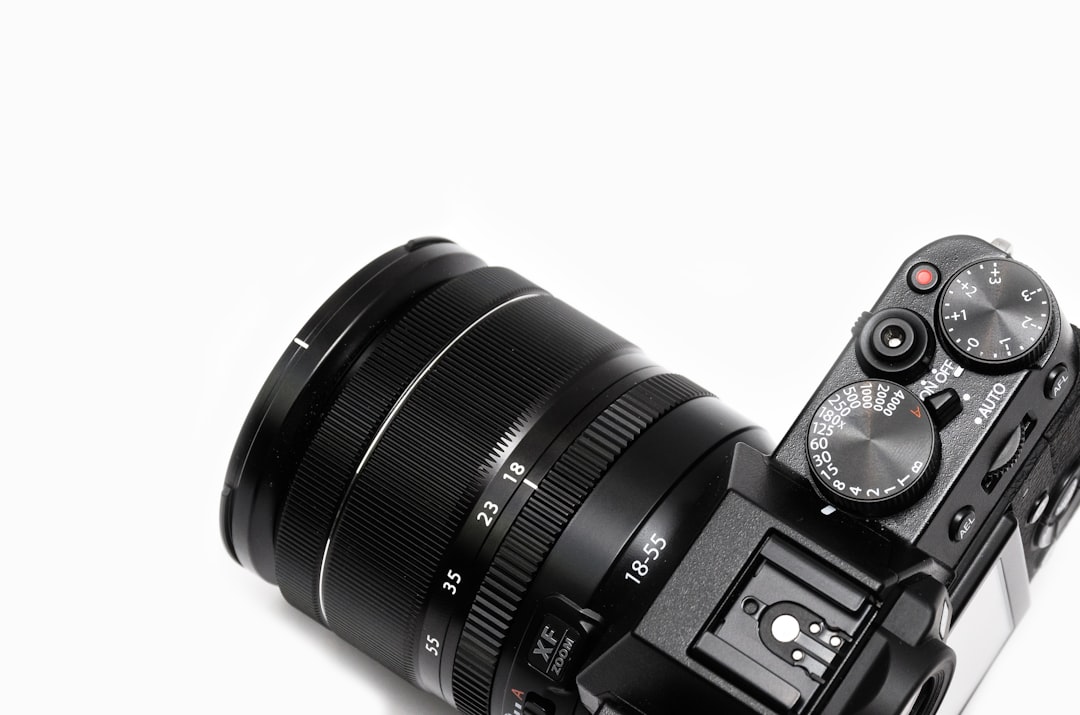
Can You Use Canon EF Lenses On A Canon RF Mirrorless Camera?
Here’s why this actually works, and why it’s not just a loose physical fit. When Canon moved from EF (DSLR) to RF (mirrorless) mounts, the flange distance, meaning the gap between the lens mount and the sensor, got shorter on RF bodies. That shorter distance is exactly what a mount adapter is built to fill back in. Canon’s official EF-EOS R adapter is essentially a hollow tube with electronic contacts that pass focus, aperture, and stabilization signals straight through between lens and body, so the camera talks to the lens the same way it always did.
Because of that, EF lenses aren’t “sort of” compatible with a workaround. They’re fully compatible, with the adapter simply restoring the physical distance the lens was designed around.
What You Keep When Adapting An EF Lens
Full autofocus performance. Canon’s official adapters pass all electronic communication through, so autofocus speed and accuracy are generally very close to using the lens on its native DSLR body, sometimes even improved thanks to the RF body’s newer autofocus system.
In-lens and in-body image stabilization. Stabilized EF lenses keep working as expected, and on RF bodies with in-body stabilization (IBIS), the two systems often work together for better results than either alone.
Aperture and exposure control. Electronic aperture control works exactly as it did on the DSLR, so there’s no loss of functionality there.
Weather sealing. Canon’s official adapters are weather-sealed to match sealed lenses and bodies, so you’re not creating a weak point in bad weather.
What Actually Changes
Added length and weight. The adapter adds roughly an inch to the lens and some extra weight, which matters if you’re chasing a compact setup.
EF-S lenses only work on crop-capable bodies. EF-S lenses (Canon’s APS-C DSLR lenses) can be adapted too, but only onto RF bodies that support a crop mode, since EF-S lenses project a smaller image circle than full-frame RF sensors need.
Third-party adapters vary in reliability. Off-brand adapters are usually cheaper, but autofocus speed and consistency can be noticeably worse than Canon’s own adapter, especially with older or more complex lenses.
RF lenses do not work in reverse. This compatibility is one-way. Because RF lenses are designed around the shorter mirrorless flange distance, there’s no adapter that lets you mount an RF lens onto an older EF-mount DSLR body.
Choosing The Right Adapter
Canon makes a few versions of the EF-EOS R adapter worth knowing about. The basic adapter is a straightforward pass-through. A version with a control ring adds a customizable ring you can assign to aperture, ISO, or exposure compensation, useful if your lens itself doesn’t have one. A drop-in filter version lets you insert variable ND or polarizing filters behind the lens rather than screwing them onto the front, which is handy for wide lenses that don’t accept front filters easily.
Quick comparison of the main options:
| Adapter Type | Best For | Extra Feature | Price Range |
|---|---|---|---|
| Canon EF-EOS R (Basic) | Most users, straightforward adapting | None, pure pass-through | Budget-friendly |
| Canon EF-EOS R with Control Ring | Lenses without a native control ring | Customizable control ring | Mid-range |
| Canon EF-EOS R Drop-In Filter | Wide-angle and landscape/video shooters | Drop-in ND or polarizer filter | Higher |
| Third-Party Adapters | Budget setups, occasional use | Varies by brand | Lowest |
Also Read: Can I Use Sony Lens On Canon Camera?
Frequently Asked Questions
Do I lose image quality by adapting an EF lens?
No. Canon’s official adapter is a simple optical pass-through with no glass elements inside it (aside from the drop-in filter version’s filter slot), so it doesn’t degrade image quality. The lens performs the same as it would natively on an EF body.
Will my old EF lens autofocus as fast on an RF body?
In most cases, yes, and sometimes it’s even faster thanks to the RF camera’s newer autofocus system. Older lenses with slower internal focus motors will still be limited by the lens itself, not the adapter.
Can I use non-Canon EF-mount lenses too?
Yes. Third-party EF-mount lenses from brands like Sigma, Tamron, and Tokina generally adapt just as well, though it’s worth checking specific lens-and-adapter compatibility notes since firmware support can vary slightly.
Is buying an adapter cheaper than buying native RF lenses?
Almost always. A basic Canon adapter costs a fraction of even one native RF lens, so adapting your existing EF collection is usually the most budget-friendly way to switch to a mirrorless body without replacing your entire lens lineup at once.
Should I eventually switch to native RF lenses anyway?
Not urgently. Many photographers use adapted EF lenses for years without issue. Native RF lenses can offer newer optical designs and sometimes faster apertures, so it’s worth upgrading gradually as budget allows rather than all at once.
Final Words
So, can you use Canon EF lenses on a Canon RF mirrorless camera? Absolutely, and with a proper adapter you keep autofocus, stabilization, and exposure control working just as they should. There’s no need to rebuild your whole kit overnight. Adapt what you already own, and let your lens budget go toward the gear that actually fills a gap.